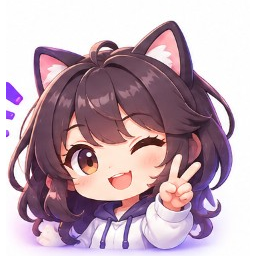
Anime
anime avatar portrait, clean face framing, soft shading
GPT GIF Gen · AI GIF tools
Create a looping avatar GIF from a description or by animating an uploaded portrait. Keep motion subtle so it still works as a profile image.
Styles
Actions
Tap a style above the generator, or start from these looks.
anime avatar portrait, clean face framing, soft shading
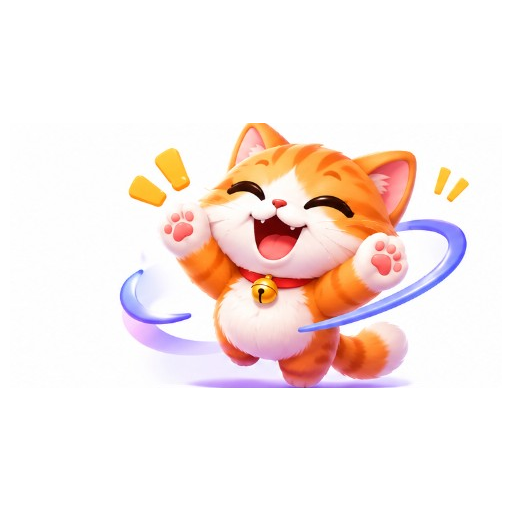
cute avatar portrait, soft colors, friendly expression
realistic portrait avatar, natural lighting, centered face
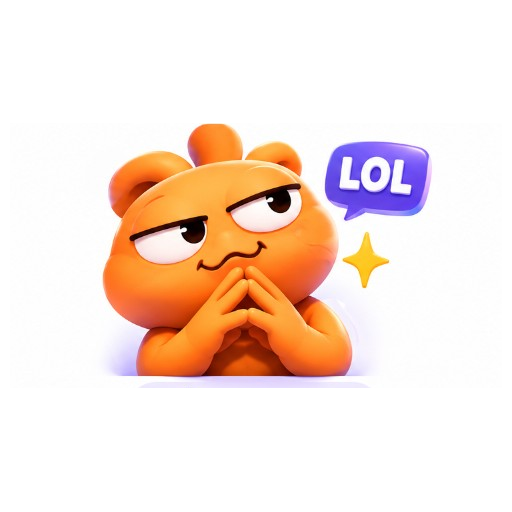
cartoon avatar portrait, bold features, simple background
cyberpunk avatar portrait, neon accents, futuristic look
Example directions you can adapt in the generator.
Cute kitten face avatar blinking gently, centered, looping
Anime girl avatar soft blink and smile, looping
Orange meme face avatar with subtle smirk loop
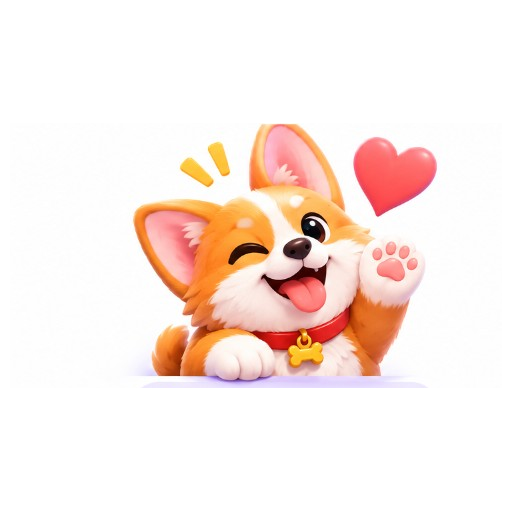
Corgi face avatar winking loop, centered portrait
Upload a clear face crop, or write a portrait prompt.
Prefer blink, smile, or soft glow so the face stays readable.
Download and upload where GIF avatars are supported. Some platforms only allow static images.
Animated avatars for apps that accept GIF profile images.
A living portrait loop for channels and link-in-bio pages.
Turn OCs into looping face icons for communities.
Yes. Use Image to GIF, upload a portrait, and choose a subtle motion like Blink or Smile.
Discord animated avatars require Nitro and Discord’s format rules. This tool makes a GIF avatar file; Discord may still reject or require conversion.
Blink, soft smile, light hair sway, and glow usually keep the face recognizable.
Yes. Switch to Text to GIF and describe the portrait style and subtle loop.