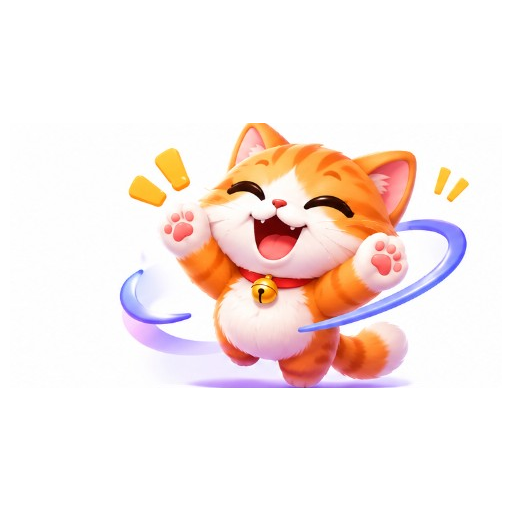
Cute
cute kawaii sticker character, soft colors, bold outline, chat sticker style
GPT GIF Gen · AI GIF tools
Turn a short description into a looping animated sticker GIF. Pick a style and motion, generate, then download and share.
Styles
Actions
Tap a style above the generator, or start from these looks.
cute kawaii sticker character, soft colors, bold outline, chat sticker style
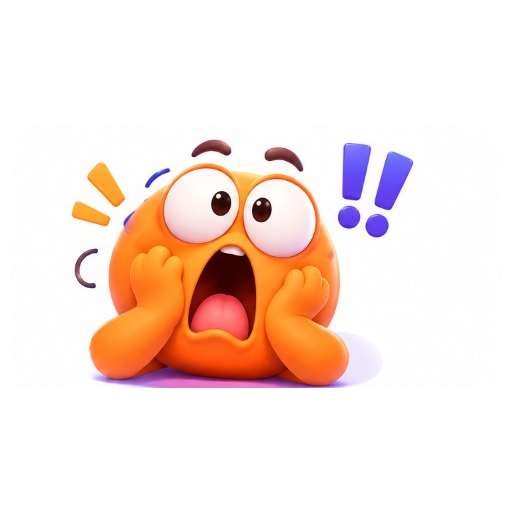
funny exaggerated sticker expression, bold outline, meme sticker style
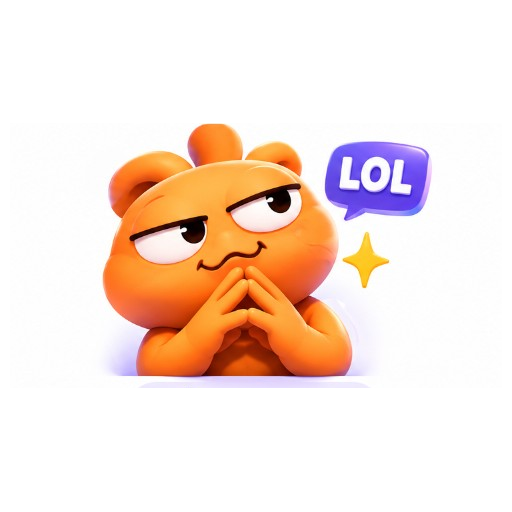
emoji-like round sticker face, simple shapes, clean sticker look
cartoon sticker character, clean lines, vibrant colors, sticker pack style
cute pet sticker, playful pose, bold outline, messaging sticker style
Example directions you can adapt in the generator.
A cute orange tabby kitten sticker waving, bold outline, chat sticker style, seamless loop
A round orange sticker character looking shocked with hands on cheeks, bold outline, looping reaction
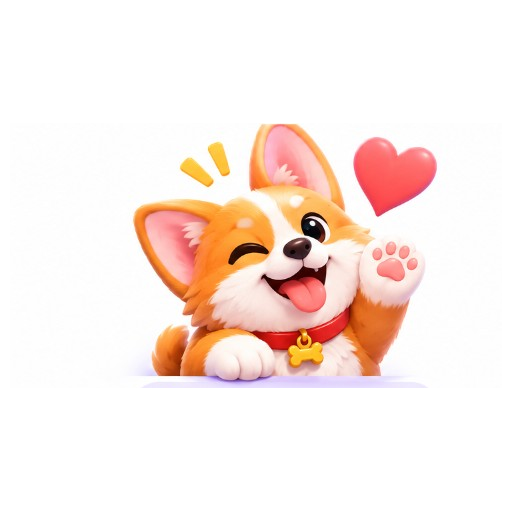
A cute corgi sticker winking and waving with a floating heart, bold outline, looping sticker GIF
A smug orange sticker character with steepled fingers and a LOL bubble, looping meme sticker
Write who it is, the emotion, and the motion you want.
Use presets like Cute + Wave to shape the prompt faster.
Create a looping GIF and download it for chats or posts.
Quick emotion stickers for messaging and group chats.
Share looping sticker GIFs in comments and DMs.
Build a consistent cute or funny sticker character look.
It is a tool that turns a text description (or an uploaded image) into a short looping GIF designed to feel like a chat sticker.
Generated output is a standard animated GIF. True transparent sticker packs are not guaranteed yet — describe a clean background if you need a simple cutout look later.
Yes. Use Image to GIF, upload your art, and describe the motion you want.
Anywhere GIF is supported: chats, Discord messages, social posts, and docs. Platform sticker pack uploads may have their own format rules.